01
Options chain and multi-leg orders
Review strikes, greeks and quotes, then build supported single-leg or defined-risk Paper orders without losing the chain context.
A focused Windows workstation for Interactive Brokers. Options, futures and equities in one place, with risk controls and order state kept in view.
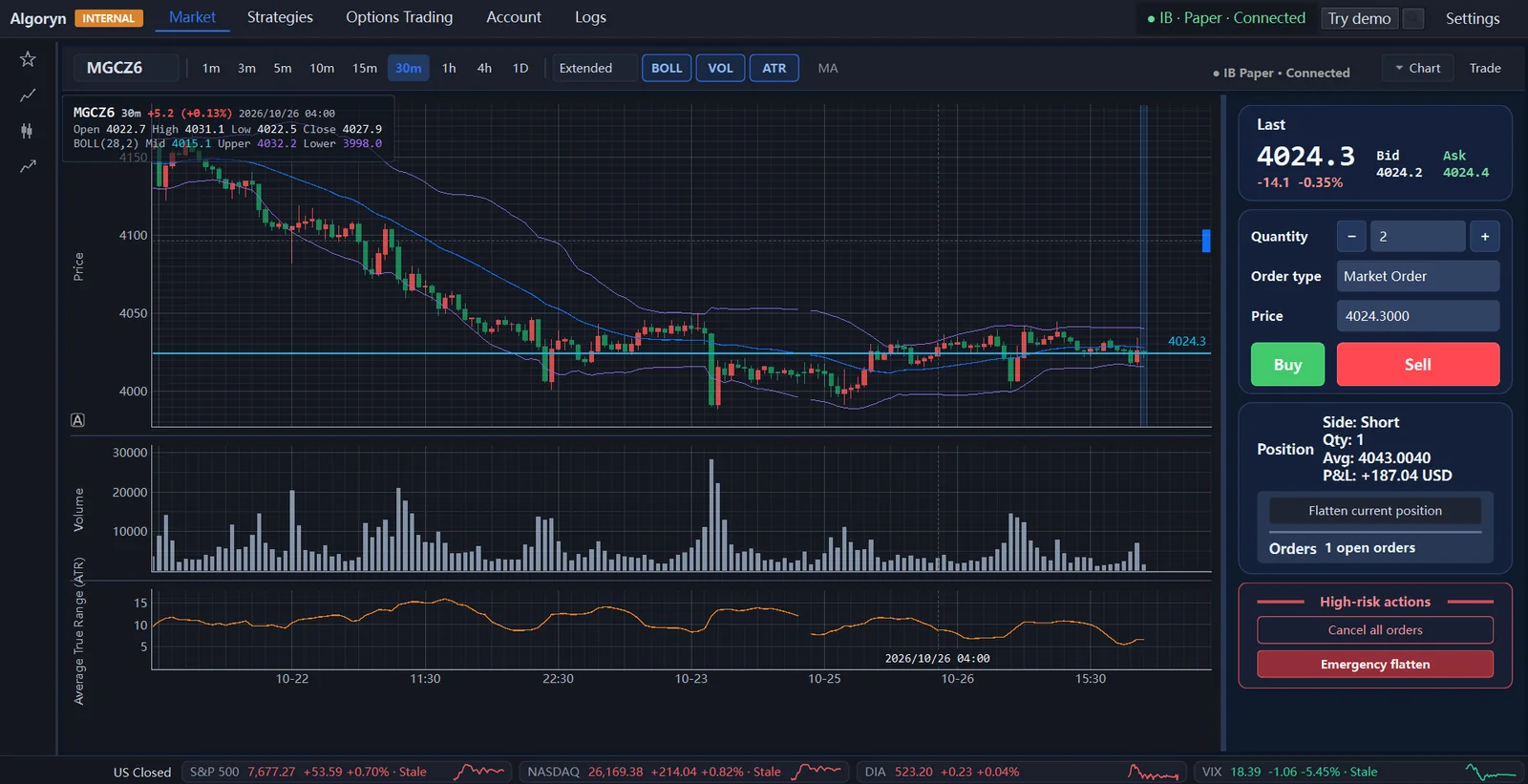
From market context to execution, every step stays in the same frame. Nothing important hides behind a separate tool.
Review strikes, greeks and quotes, then build supported single-leg or defined-risk Paper orders without losing the chain context.
Pre-trade validation, account reconciliation and a Paper-only boundary are part of the workflow, not an afterthought.
Run QQQ 0DTE and MGC workflows with runtime state, orders and stop controls always within reach.
Positions, orders, fills and connection state sit in one operational view, so the account is never a black box.
The interface is arranged around decisions: what the market is doing, what the account holds, what is working, and what could go wrong.
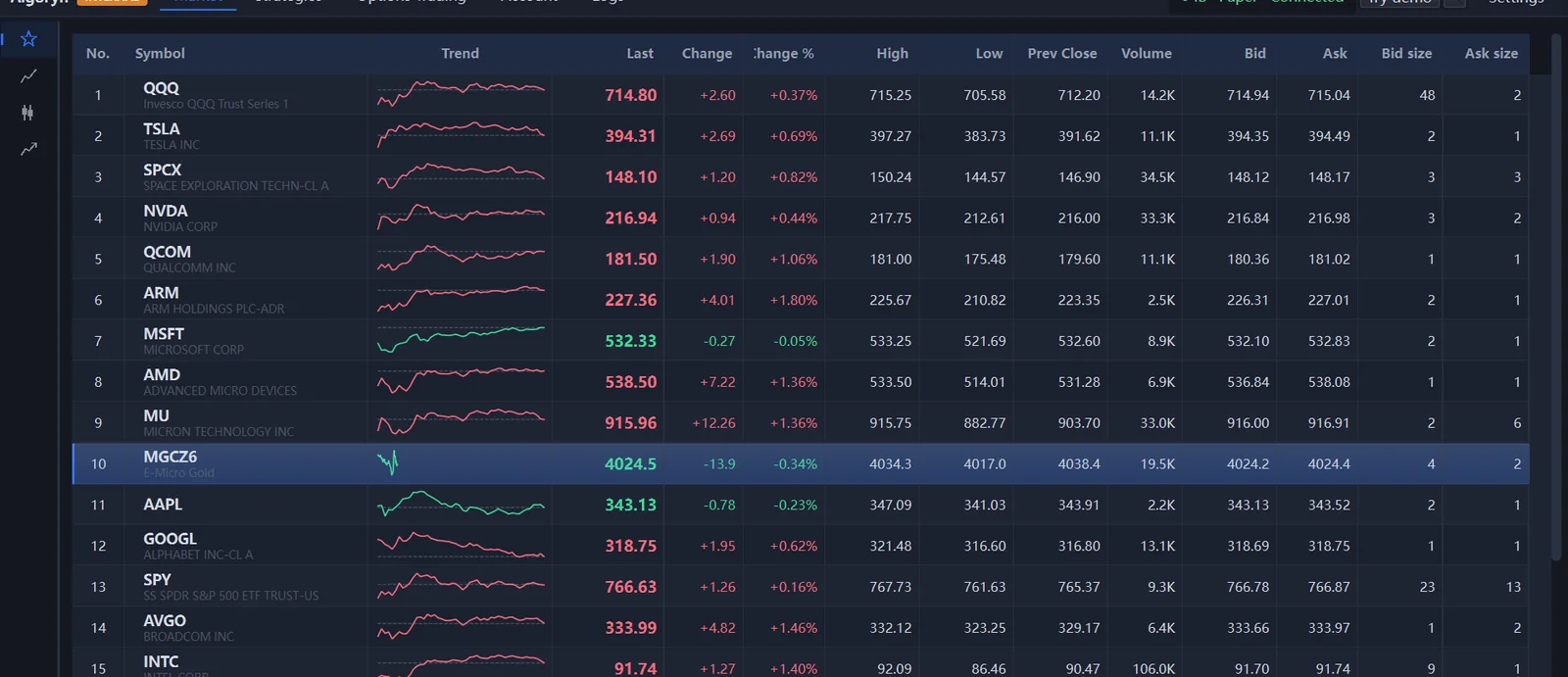
Algoryn is built around the assumption that execution can fail. The operator should always be able to see it, stop it and reconcile it.
See how the workstation behavesAccount, order and exposure validation before submission.
Explicit controls for stopping activity and reducing exposure.
Positions and working orders compared against IBKR state.
The current Beta does not enable a live trading path.
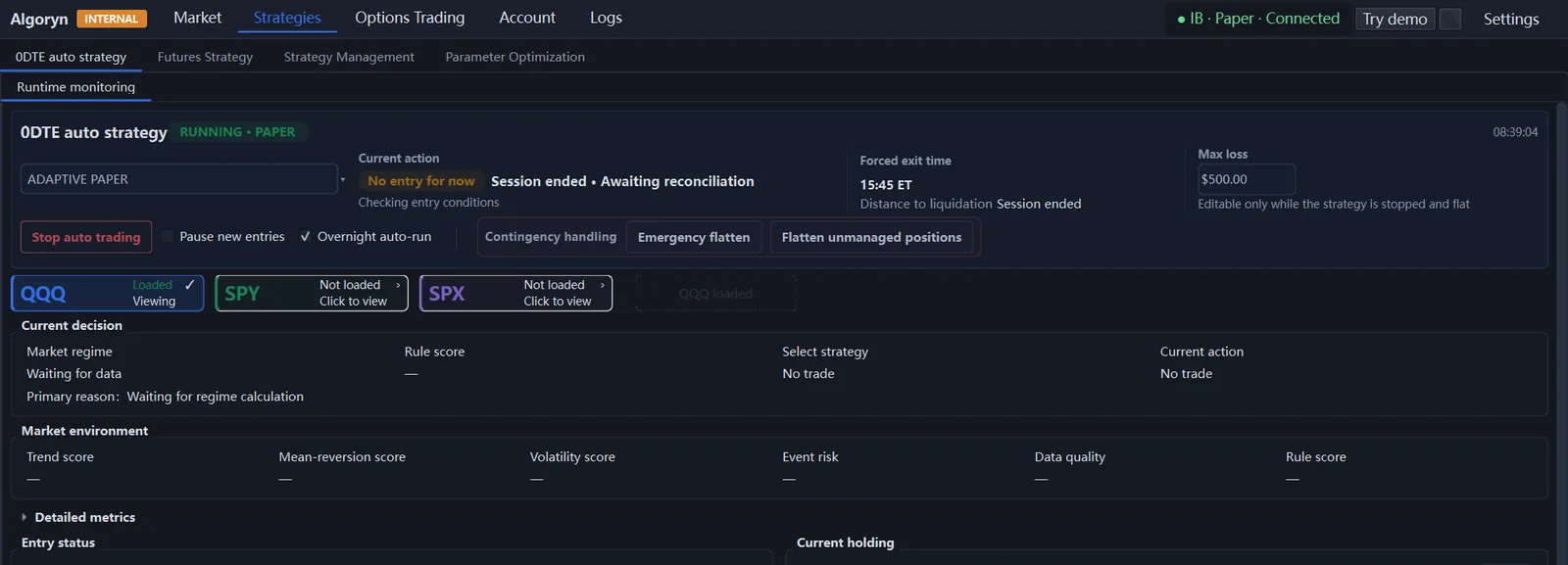
Move between equities, futures and options without changing tools or losing account context.
A short path to the first Paper session, with no live account required for Demo mode.
Download the Beta and install it on Windows 10 or 11, 64-bit.
Start TWS or IB Gateway in the Paper Trading environment and enable API access.
Review the connection, account and market-data state before trading.
Load a chain, review a position or run a strategy before relying on it.
Market data depends on your Interactive Brokers permissions and subscriptions.
Occasional notes on execution, risk and the parts of the workflow that are easy to get wrong.
A practical guide to choosing Algoryn's Microsoft Store or official website installer, checking the release details, and trying Demo mode without connecting IBKR.
Read guideA repeatable checklist for recording the Paper environment, plan, execution and deviations—while keeping observations separate from strategy conclusions.
Read guideA practical framework for documenting market data, assumptions, costs, parameter searches, and the differences between backtests and Paper Trading.
Read guideDownload Algoryn for Windows, connect an IBKR Paper account and test the workflow before enabling automation.